Graded, never baked in.
Pick a look and drag across the picture to compare it with the photograph as shot. Photo Lab saves an edit as a new photo; the original is never touched.
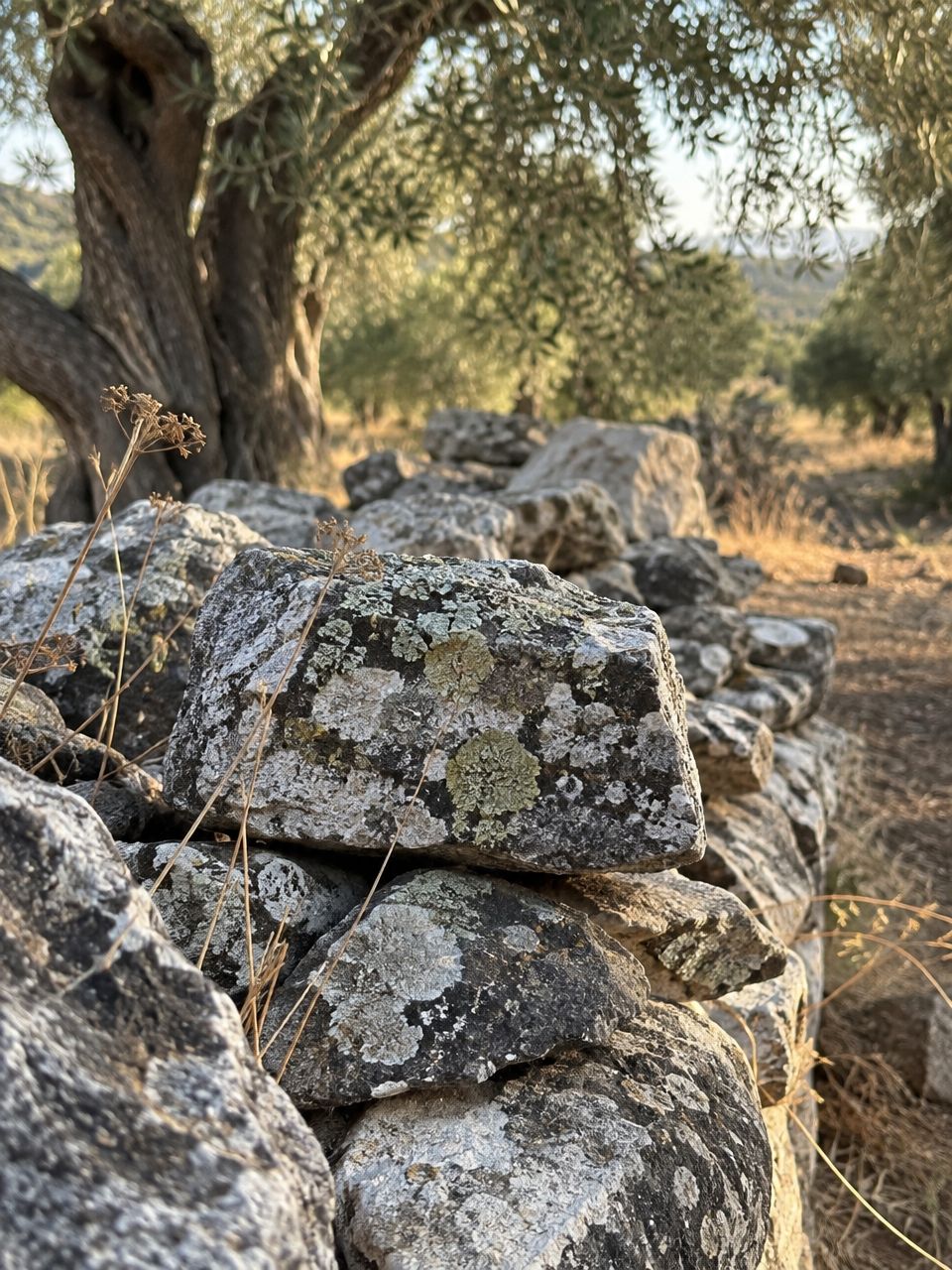


Kadar is a manual camera for iPhone and Android. This page starts out of focus; the wheel below brings it back, the way Kadar does with a real lens.

Shutter, ISO, white balance and focus on wheels you can feel, a viewfinder that shows the exposure before you take it, and nothing your phone cannot actually do. Made in Zagreb.
Turn the shutter. The histogram is this picture’s own, and the zebra marks every highlight you are about to lose.
Pick a look and drag across the picture to compare it with the photograph as shot. Photo Lab saves an edit as a new photo; the original is never touched.
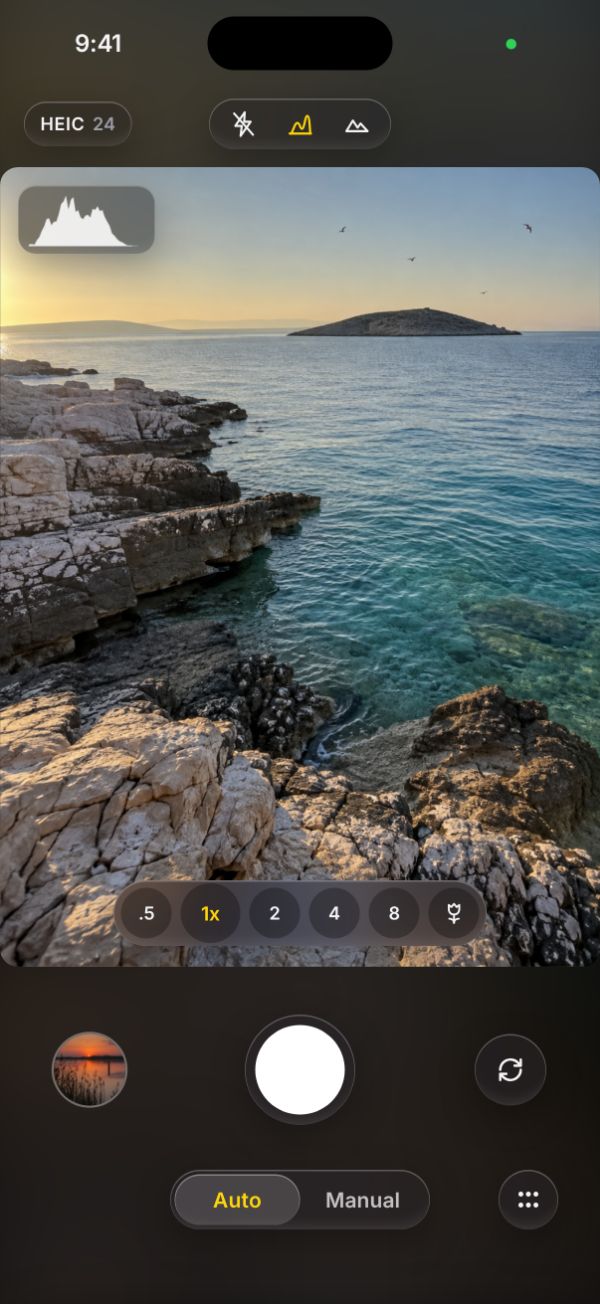
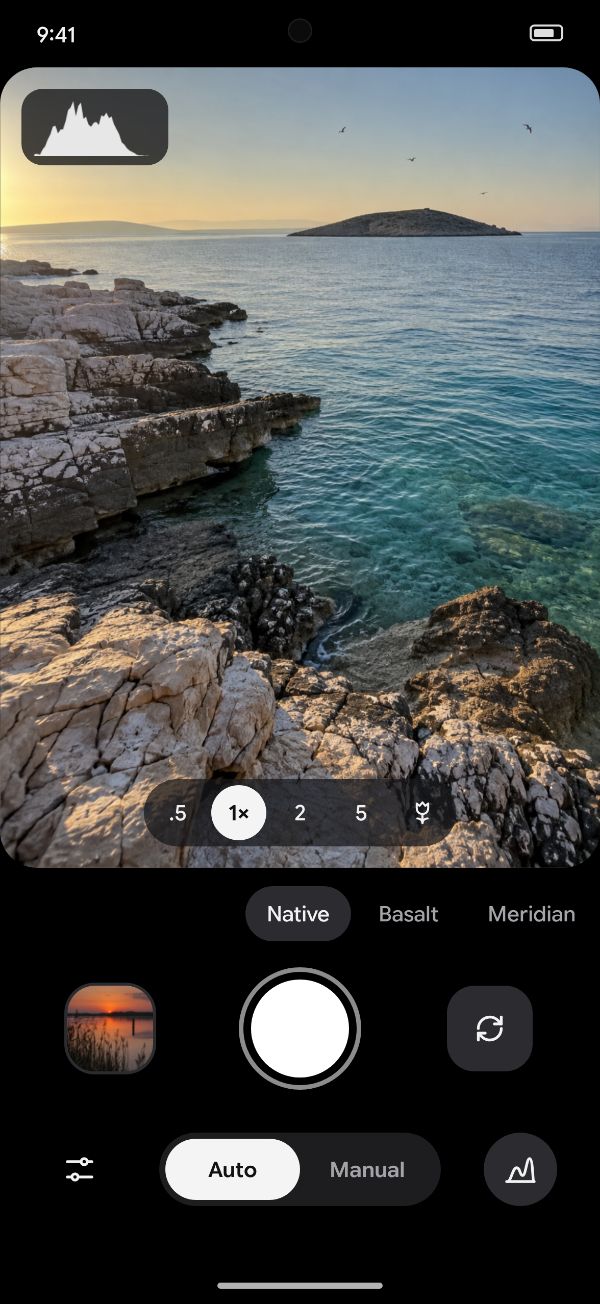
On iPhone, Kadar starts from Apple’s own camera; on Android, from Material. Pick a moment to see it on both.
Formats, megapixels, flash and lenses come from what your phone reports. A control another lens has and this one lacks is shown greyed, with the reason, never hidden and never faked.
Photographs are saved to your own library and never uploaded. No account, no advertising, no tracking. The app goes online only to check a Kadar Pro purchase with the App Store or Google Play; the privacy policy says exactly what that involves.
Manual mode, the RAW formats and the advanced overlays. Everything else in Kadar is free, looks and Photo Lab included.
| Plan | Price | Terms |
|---|---|---|
| Monthly | €1.99 a month | Renews monthly. Cancel any time. |
| YearlyBest value | €9.99 a year | Renews yearly. Cancel any time. 58 % less than paying monthly. |
| Lifetime | €25 once | Yours to keep. No subscription. |
Prices in euro, VAT included. The App Store and Google Play show the price in your currency before you buy. Subscriptions renew automatically at the price shown until cancelled; cancel in your store’s subscription settings at least 24 hours before the period ends. Terms of use · Privacy policy
iPhone, iPad and iPhone Duo, and Android phones, tablets and foldables. On a large screen the picture comes first and every manual value gets its own ruler. Each phone tells Kadar what its cameras can do, so you see exactly the lenses, formats and manual controls your hardware allows.
No. Kadar Pro belongs to your App Store or Google Play account and comes back with Restore purchases on another phone.
Auto mode, the viewfinder, the level, the standard formats, looks and Photo Lab are free. Kadar Pro adds Manual mode, RAW and the advanced overlays.
In your App Store or Google Play subscription settings. Kadar Pro stays active until the end of the period you paid for.
To your photo library on iPhone and to Pictures/Kadar on Android.